Screenshots that look as good as the site.
Capture one screen or all of them, visible or full page, up to 16× resolution. Put them in device frames, annotate them, or record a video or GIF of any screen.
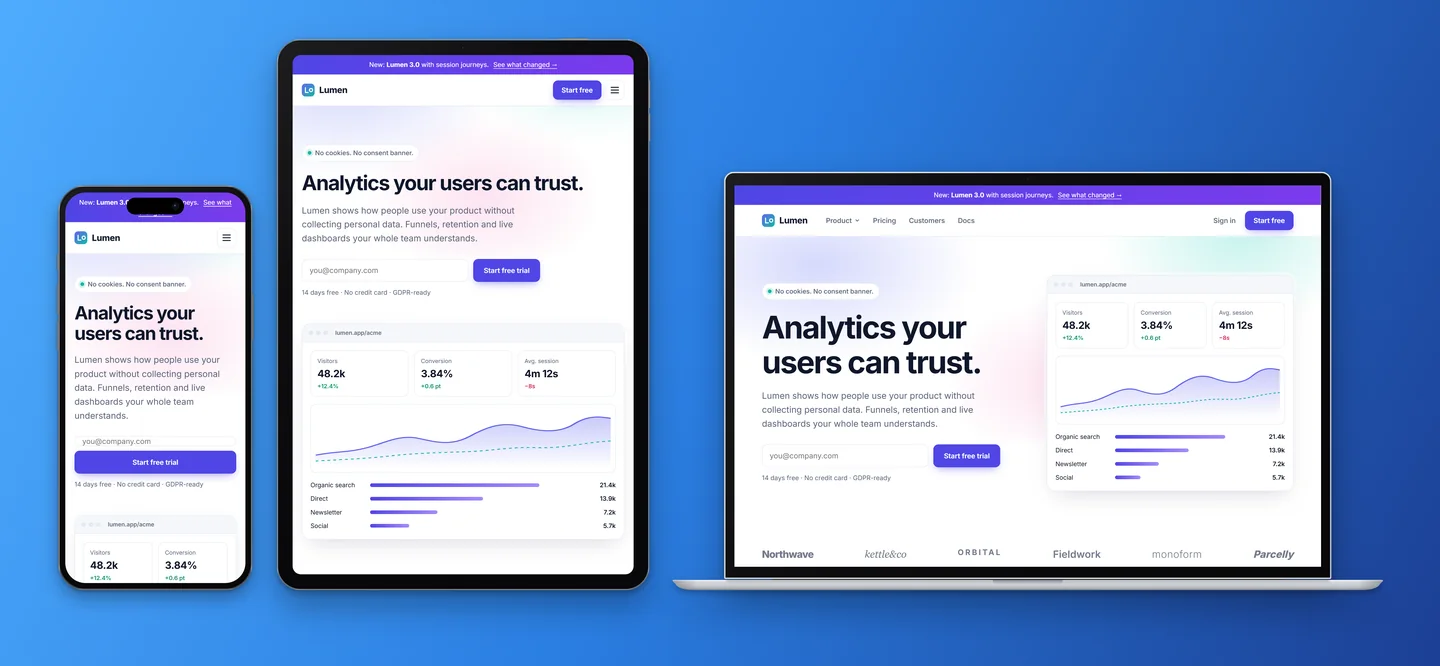
Up to 16×, visible or full page
PNG or JPEG at 1×, 2×, 4×, 8× or 16×, of the viewport or the whole page. All screens download as one ZIP. Scrollbars can be hidden.
- 1× and 2× free, up to 16× with Pro
- Full-page captures stitched for you
- Every screen, one ZIP
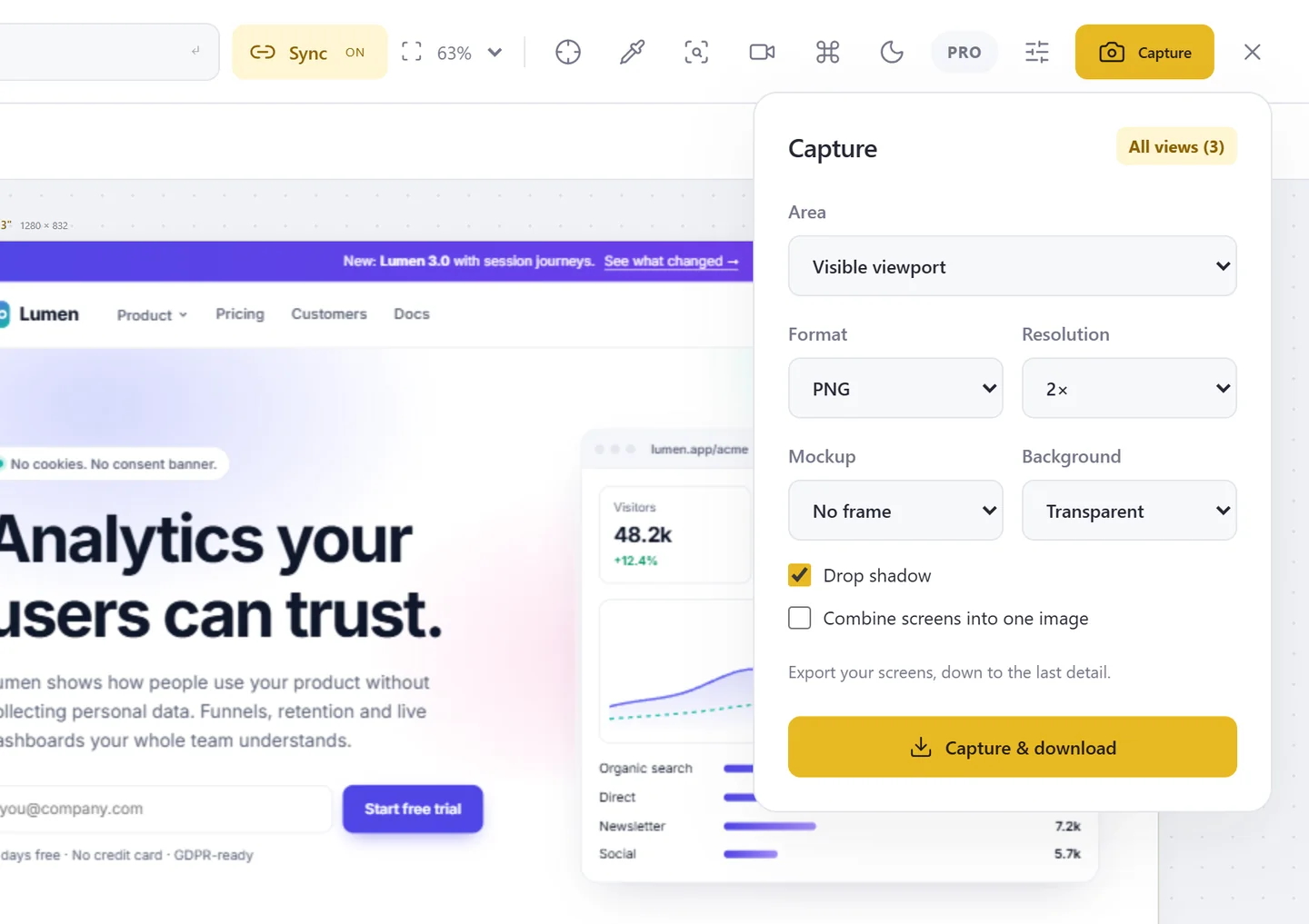
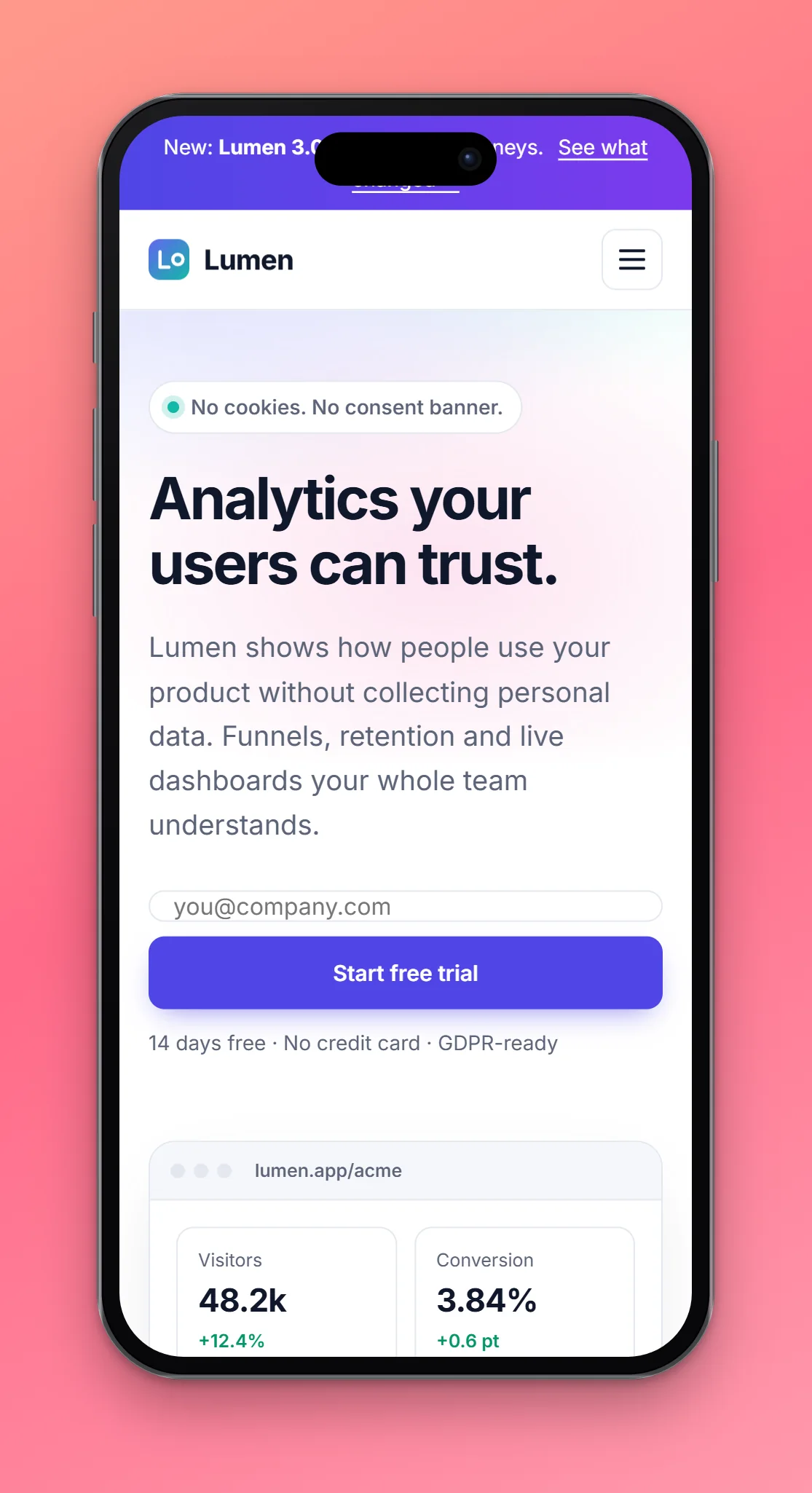
Device frames and showcase images
Frames for phones, tablets, laptops and desktops are drawn, not pasted, so they stay sharp at 16×. Add a gradient background and a shadow, or combine every screen into one showcase.
- Device frame or browser window
- Gradient backgrounds and drop shadow
- Combine all screens into one image
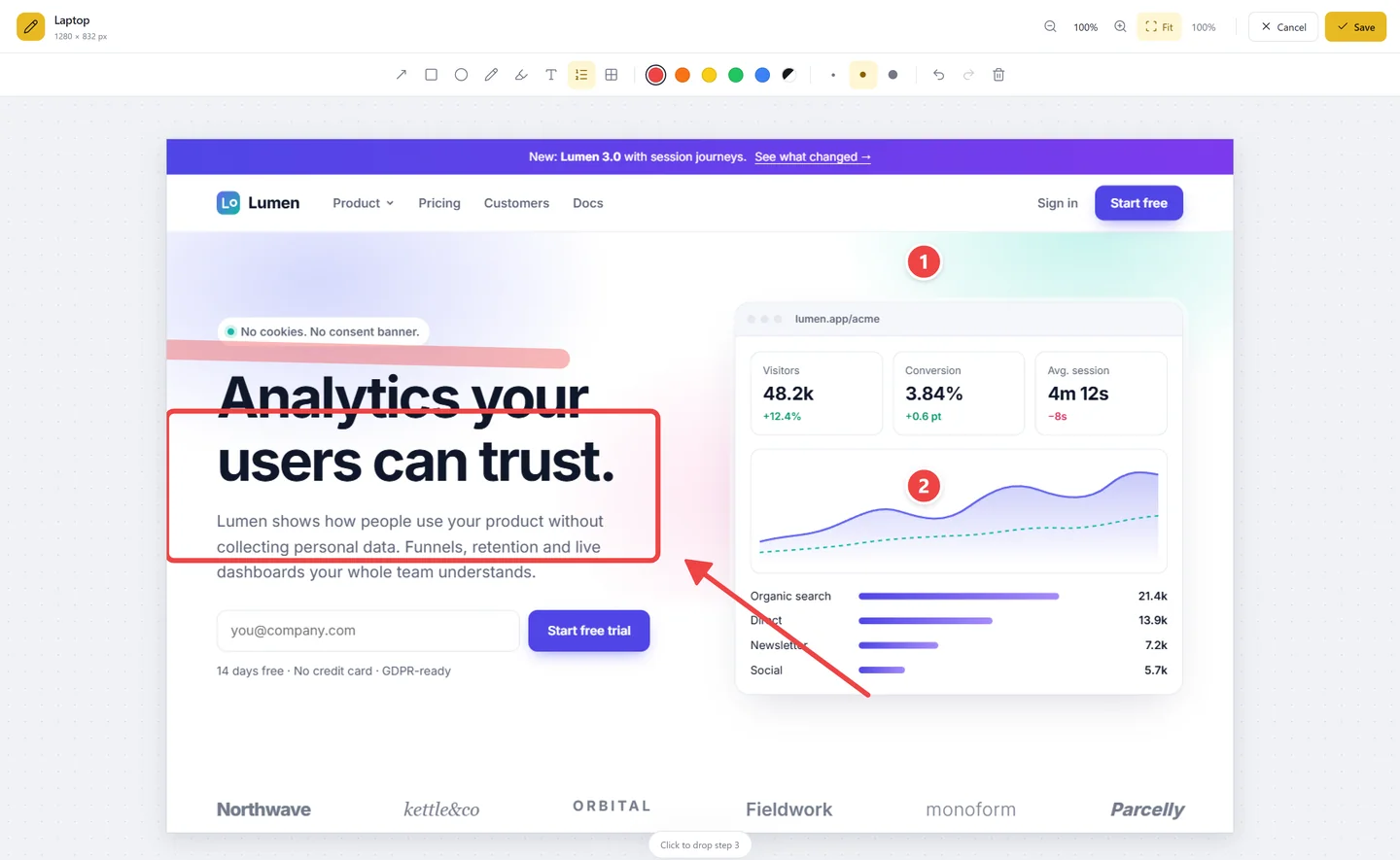
Annotate before you save
Arrows, boxes, ellipses, a pen, a highlighter, text, numbered steps and pixelation for private data, right after the capture.
- Several colours
- Zoom while you draw
- Also used by Report issue
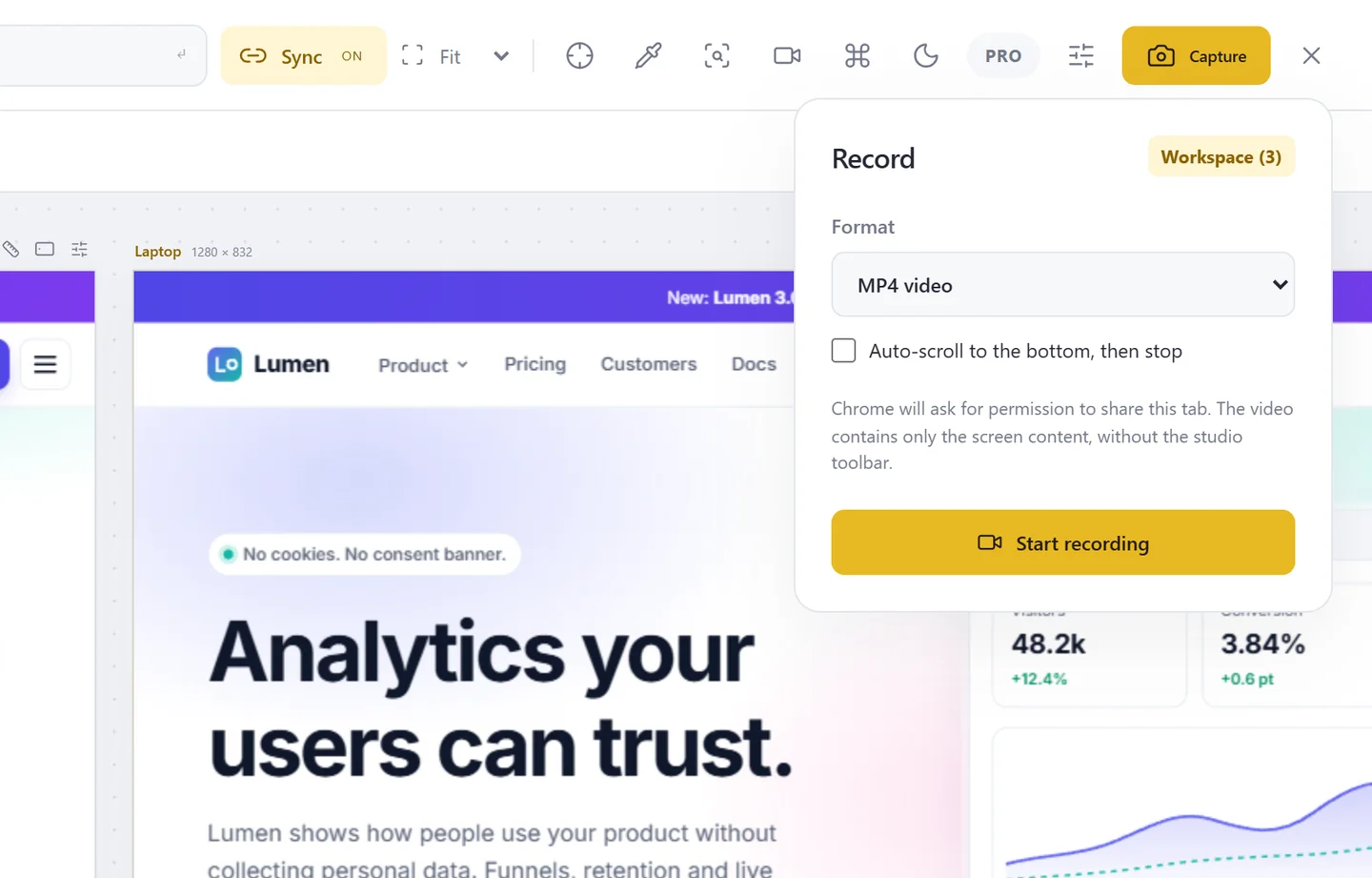
Record a screen or the workspace
MP4, WebM or GIF of one screen, enlarged for sharp video, or of the whole workspace. Only the screens are in the video, never the toolbar. Auto-scroll to the bottom if you want.
- Region capture: just the content
- GIF up to 20 seconds
- Ctrl+Shift+E to start and stop
Test every screen before your users do.
Free to start. Pro for 3 days without a card.